Roster (people)
The Roster tab is the list of everyone who can be on call, and which team(s) they're in. The scheduler only ever assigns people from this list.
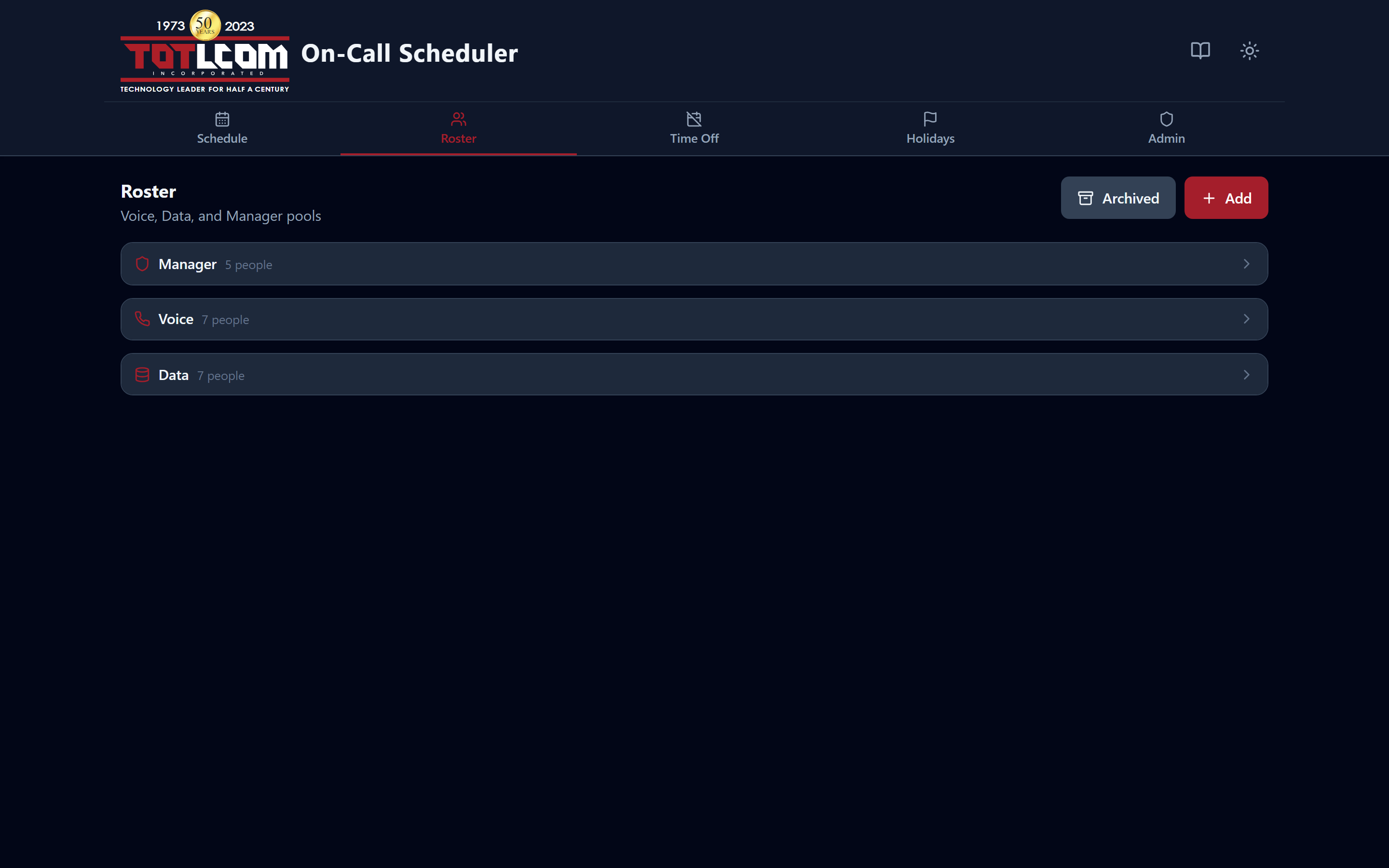
Everyone who can be on call, with their pools and contact details.
What's in the roster
For each person you'll see their name, contact details (phone/email), whether they're active, and which pool(s) they belong to:
- Manager — covers both teams.
- Voice — the Voice on-call rotation.
- Data — the Data on-call rotation.
Someone can be in more than one pool (for example, a manager who also takes Voice weeks).
People in two pools are on call more often — on purpose
Each pool is balanced independently. So someone in two pools will take more total weeks than a single-pool person, but their share within each pool stays even. That's expected and fair.
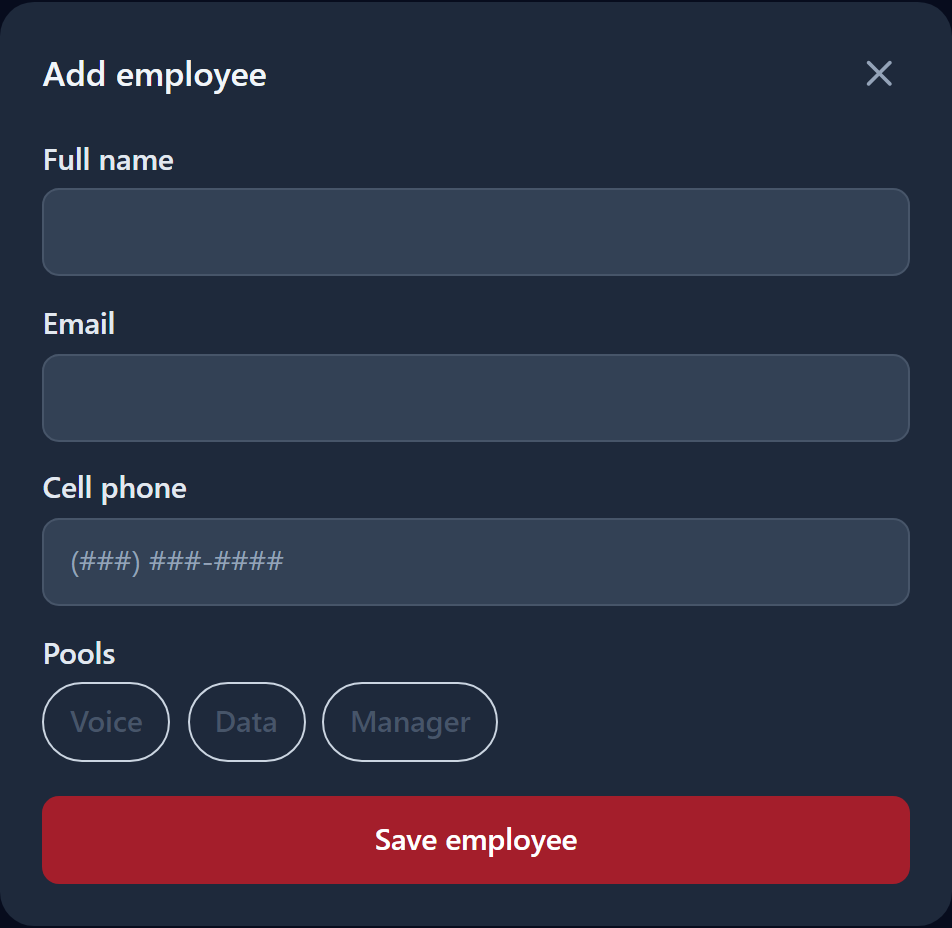
The same form is used to add someone new and to edit an existing person.
Adding a person (editors/admins)
- Click Add (or Add person).
- Enter their name and contact details.
- Tick the pool(s) they belong to.
- Save.
Editing or removing a person
- Edit to change a name, contact info, or pool membership.
- To stop scheduling someone without deleting their history, mark them inactive (archive). Inactive people are skipped by the scheduler but their past weeks remain.
After adding or removing someone, Rebalance
Changing the roster doesn't automatically rewrite existing schedules. Go to the Schedule screen and use Redistribute weeks (from an effective date) to fold the change into upcoming weeks fairly. See Building & fixing a schedule.
Contact details
There's a toggle to show or hide contact info, so you can keep the list compact or pull up phone numbers when you need to reach whoever's on call.